

In many video integration プロジェクトs, 購入者 may compare a 映像アクセスゲートウェイ with 映像プラットフォームソフトウェア and find that both seem to support camera access, stream management, protocol conversion, and video distribution. However, these two solutions are not the same. Their differences become more obvious when a プロジェクト involves hardware acceleration, multi-protocol streaming, SIP-based communication, emergency dispatch, video conferencing, or long-term システム expansion.
A 映像アクセスゲートウェイ is usually designed as an integrated hardware-and-software appliance, while 映像プラットフォームソフトウェア is often delivered as an installable application that depends on a separate server environment. This difference affects performance, deployment difficulty, transcoding capability, maintenance workload, and the way the システム integrates with other communication platforms.
異なる導入モデル
ゲートウェイ機器は統合ハードウェアを中心に構成される
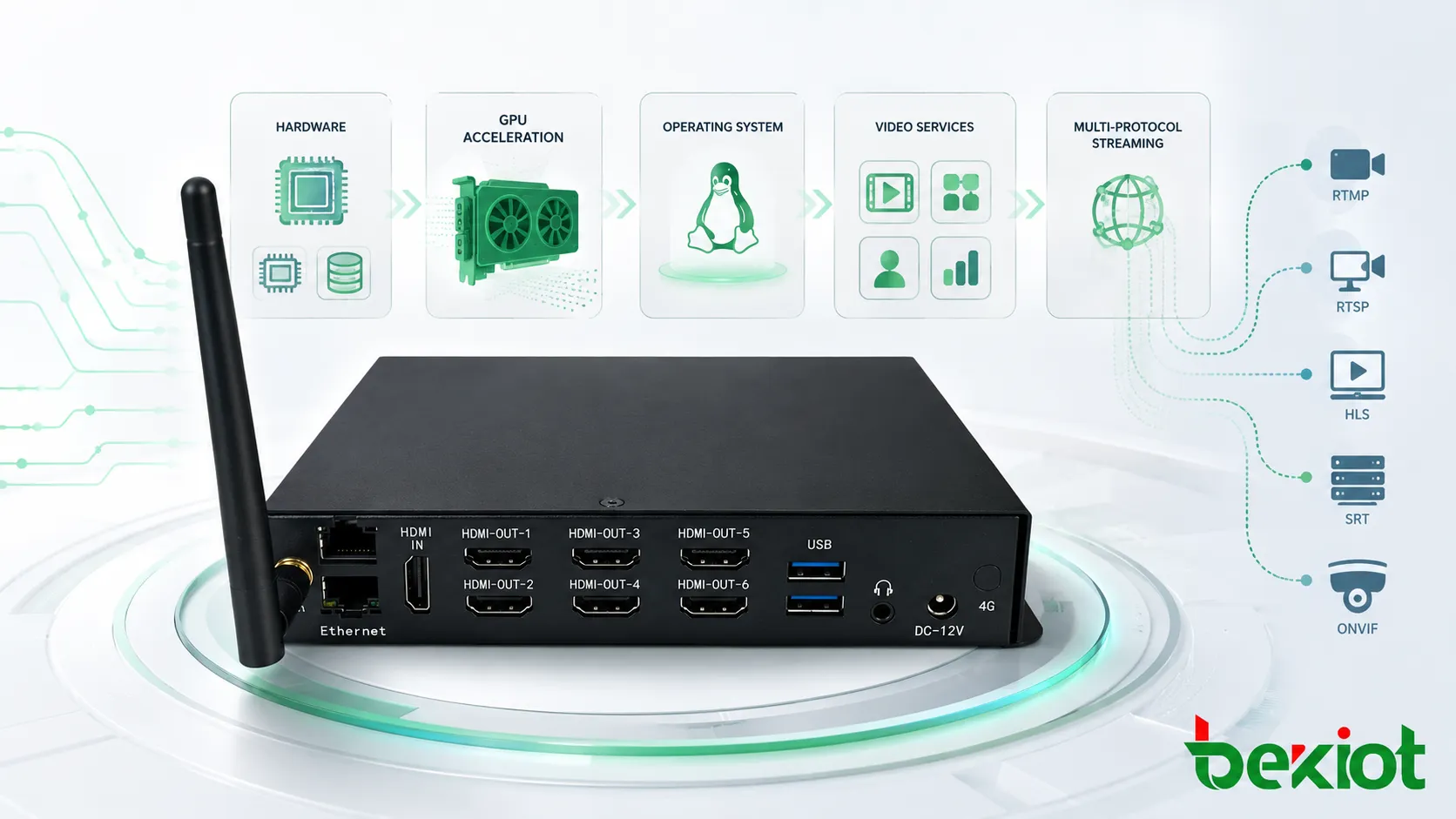
A 映像アクセスゲートウェイ is commonly delivered as a dedicated device that combines hardware, operating システム, GPU resources, video service software, and protocol access modules. This integrated design is important because video processing is highly dependent on hardware capability, especially when the システム needs decoding, encoding, stream conversion, or real-time video distribution.
When the gateway manufacturer has already matched the hardware platform, GPU resources, operating システム, and video application, the システム can usually achieve better stability and more predictable performance. This is particularly useful in command centers, emergency communication システムs, industrial monitoring rooms, mobile command vehicles, and multi-site video aggregation プロジェクトs.
ソフトウェアプラットフォームは利用環境への依存度が高い
Video platform software is often provided as an installation package. The buyer or システム integrator needs to prepare the server, operating システム, storage, network environment, and sometimes GPU resources. As a result, actual performance may vary across different hardware configurations and software environments.
This does not mean software platforms are unsuitable. They can be effective when the プロジェクト team has strong deployment experience and clear server planning. However, when compatibility issues appear, troubleshooting may involve the operating システム, drivers, network settings, database services, GPU resources, and application configuration. This can increase the workload during プロジェクト implementation.
各システムが通常担う機能
ソフトウェアプラットフォームはアクセス管理を重視することが多い
Many 映像プラットフォームソフトウェア products mainly focus on GB/T28181 access management, camera registration, basic stream forwarding, device management, and platform-level video access. In some cases, different functions are divided into separate software versions or modules. If a プロジェクト needs richer video functions, the user may need to deploy multiple software products together.
This modular approach can be flexible, but it also requires careful planning. For example, stream access, media forwarding, recording, transcoding, API integration, and external platform docking may not always be included in a single software package. The プロジェクト team must confirm the function boundary before deployment.
ゲートウェイはより統合された映像アクセスを提供しやすい
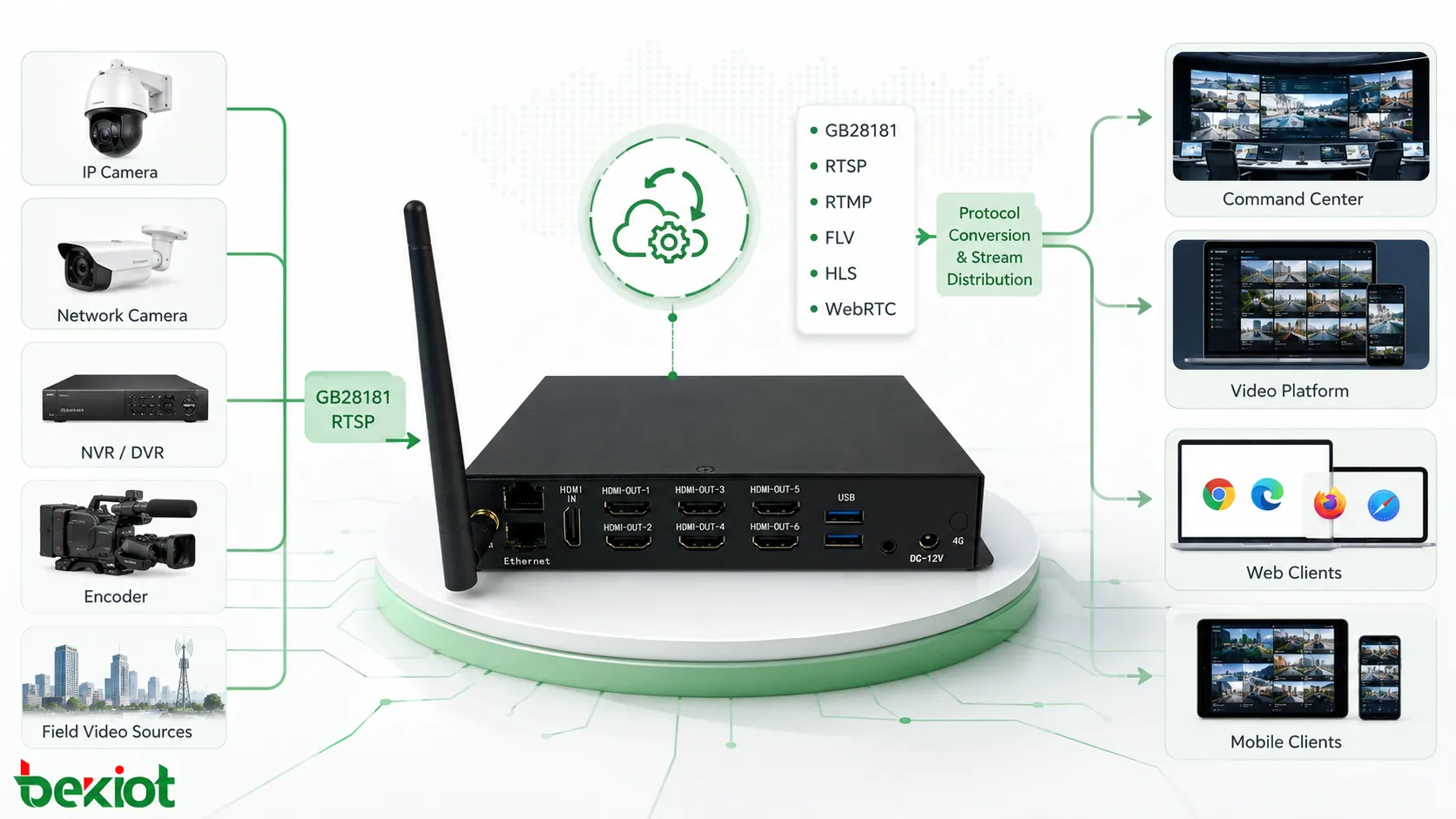
A 映像アクセスゲートウェイ is usually designed with stronger integration. A typical gateway may support GB/T28181 access, RTSP input, RTMP input, FLV output, HLS output, WebRTC output, and other stream conversion or distribution capabilities. Instead of using several independent software tools, many video access and media processing tasks can be handled by one appliance.
This integrated structure is valuable when different video sources need to be connected to a unified dispatch platform, command center, monitoring システム, or web-based video application. It can simplify システム architecture and reduce the number of independent servers or software components.
SIPと通信連携
SIP機能が用途価値を変える理由
One of the most important advantages of many 映像アクセスゲートウェイs is SIP networking capability. Some gateways can work with SIP communication システムs or even provide built-in SIP server functions. This gives the gateway a broader role in converged communication プロジェクトs, not only in video access but also in audio-video dispatch, emergency command, conference integration, and intercom linkage.
For example, a gateway with SIP integration can help connect video sources with IP phones, dispatch consoles, intercom terminals, conference システムs, and emergency communication platforms. In this type of architecture, video is no longer isolated from voice communication. Operators can view live video, call field users, join a conference, trigger paging, or coordinate response actions from a unified システム.
HDMI入出力は追加機器を減らせる
Some 映像アクセスゲートウェイs also provide HDMI input and HDMI output. This is useful when the プロジェクト needs to capture a local video source, output video to a large display, or replace part of the function of a traditional encoder or decoder. In certain command room and meeting room scenarios, this can reduce システム complexity and make deployment more direct.
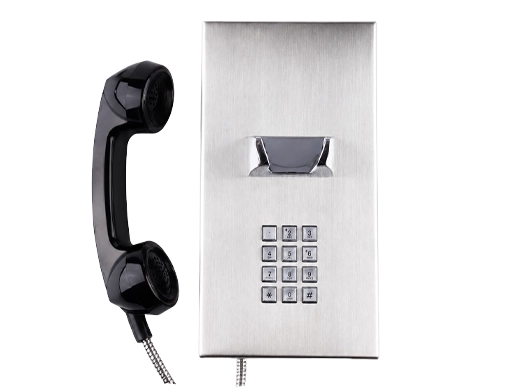
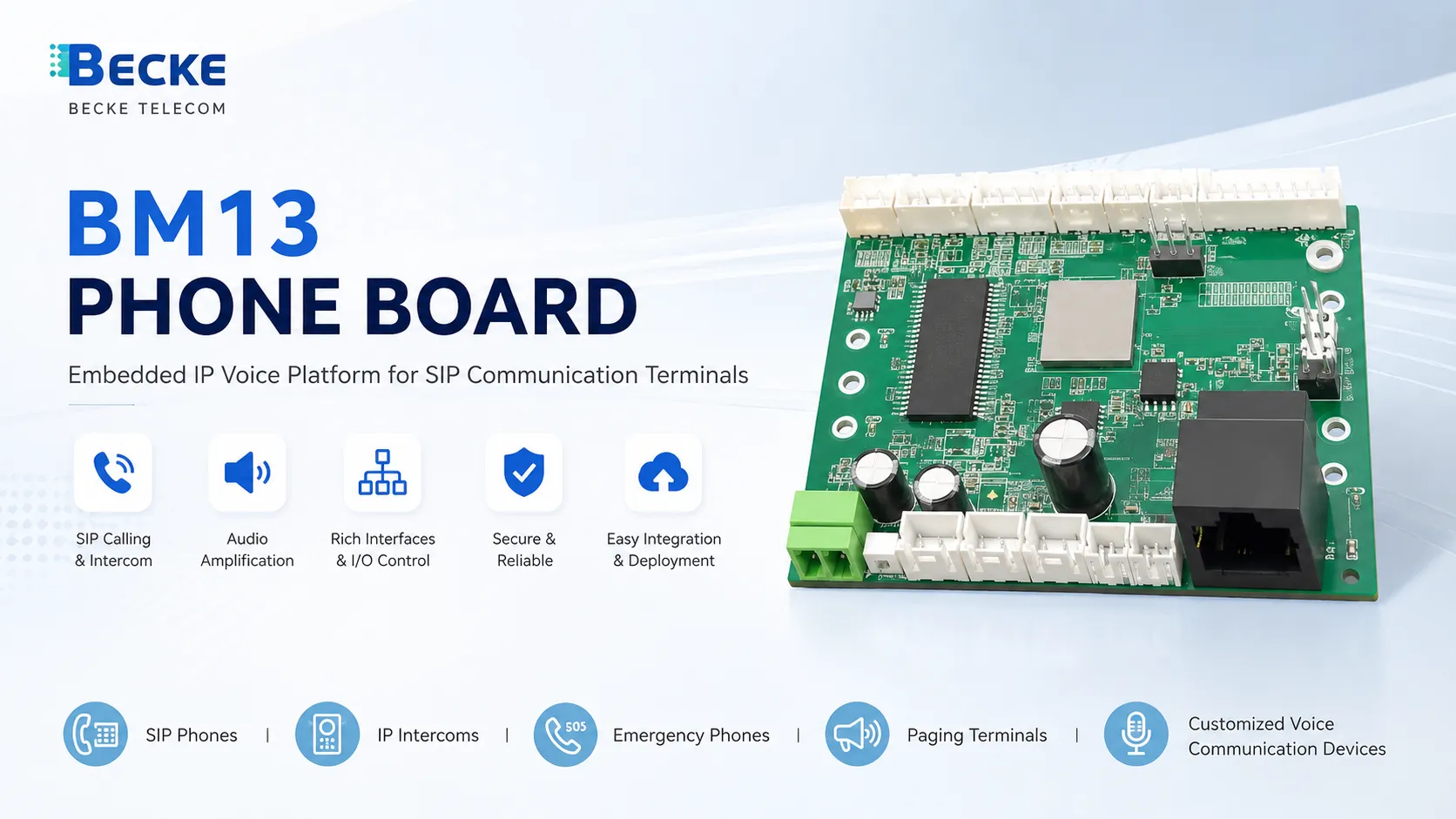
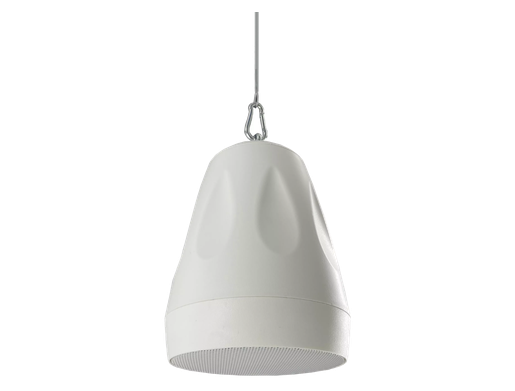
For プロジェクトs involving emergency dispatch, industrial monitoring, or multi-site command coordination, Becke Telcom can be considered as a communication-side integration partner when SIP voice, dispatch terminals, industrial phones, paging, and video access need to work together in one solution.
トランスコード能力が大きな差を生む
ハードウェアベースのトランスコードはリアルタイム映像に適している
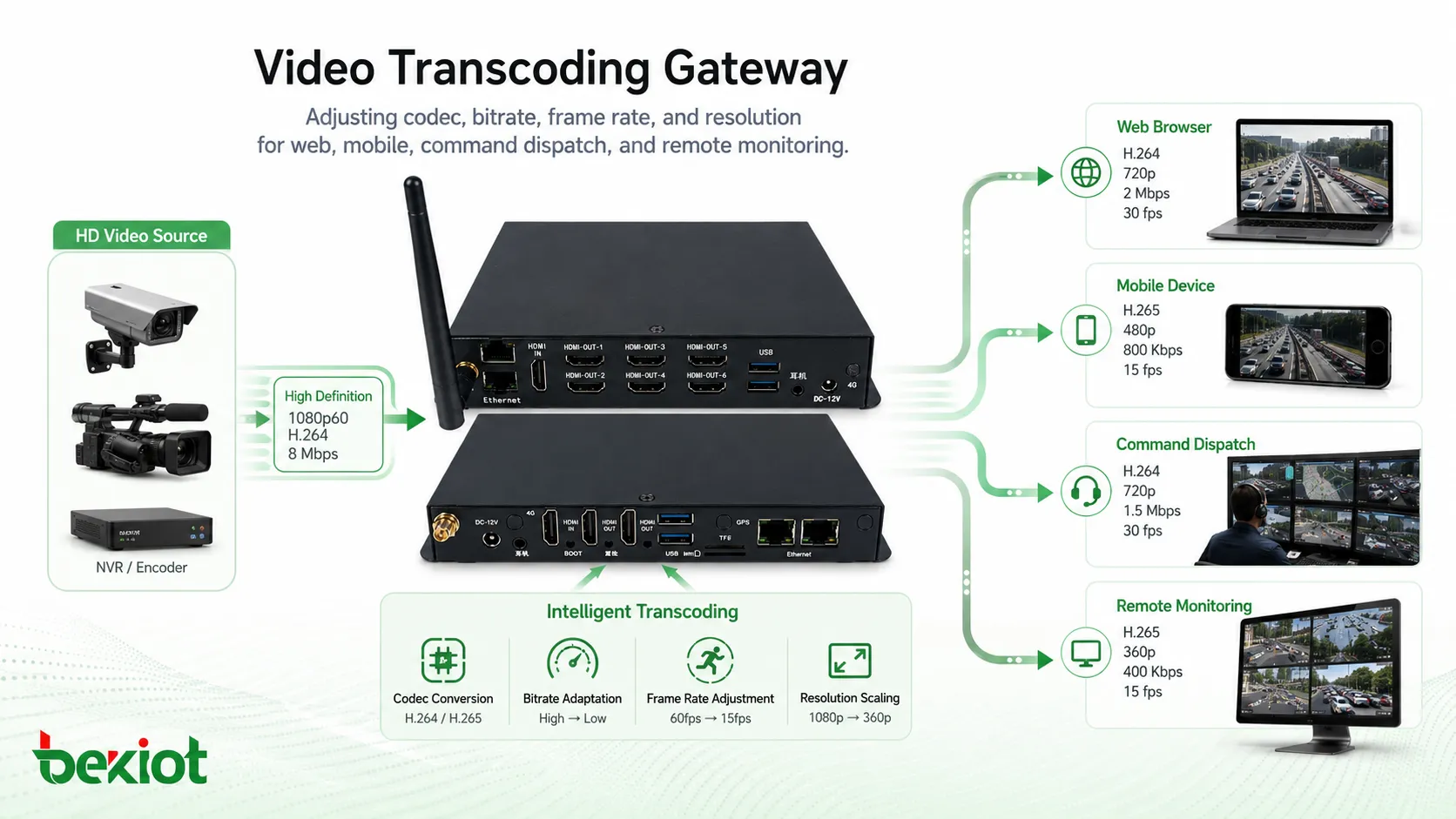
Video transcoding is not the same as video forwarding. A real transcoding process may change the video codec, resolution, frame rate, bitrate, or stream format. For example, a システム may need to convert a high-bitrate surveillance stream into a lower-bitrate stream for mobile viewing, browser playback, remote dispatch, or low-bandwidth transmission.
Video access gateways usually have stronger transcoding ability because they can use dedicated hardware and GPU resources. This allows the システム to process video streams more efficiently and deliver output streams that better match different terminals, networks, and application platforms.
ソフトウェアのみのシステムはサーバーリソースを多く消費する場合がある
Some 映像プラットフォームソフトウェア products do not include true transcoding, or they may describe stream forwarding as transcoding, which can mislead users during selection. When software-based transcoding is required, it may consume a large amount of server CPU or GPU resources. If the software is not optimized for the hardware platform, the actual result may not meet the プロジェクト requirement.
For this reason, プロジェクトs with multiple channels, high-definition streams, WebRTC playback, mobile access, or mixed network conditions should carefully evaluate whether the selected システム supports real transcoding and whether the hardware resources are sufficient for continuous operation.
システムサポートとプロジェクト納入
統合ゲートウェイは実装を簡素化する
Because a 映像アクセスゲートウェイ is normally delivered as a complete appliance, the システム environment is more controllable. The プロジェクト team does not need to spend too much time matching server hardware, drivers, operating システム versions, video service dependencies, and GPU acceleration settings. This makes installation, testing, support, and maintenance easier.
In many engineering プロジェクトs, this is a practical advantage. A gateway can shorten the delivery cycle, reduce compatibility risk, and provide a clearer responsibility boundary between the device supplier, システム integrator, and end user.
ソフトウェアプラットフォームにはより強い技術準備が必要
A 映像プラットフォームソフトウェア deployment often requires more preparation. The user needs to prepare the server, configure the operating システム, install dependencies, allocate storage, check network routing, and tune performance. When problems occur, troubleshooting may take more time because the issue may come from hardware, software, システム environment, or third-party components.
For organizations with mature IT teams and standardized server infrastructure, this may be acceptable. However, for プロジェクトs that require fast deployment, stable video access, built-in transcoding, and simplified operation, a 映像アクセスゲートウェイ is often easier to implement.
適切な選択方法
統合が重要な場合は映像アクセスゲートウェイを選ぶ
A 映像アクセスゲートウェイ is usually more suitable when the プロジェクト needs multi-protocol video access, hardware-based transcoding, SIP communication integration, HDMI input or output, emergency command linkage, conference connection, web playback, and future expansion. In many cases, one gateway can handle multiple tasks without adding several independent servers or software modules.
It is also a better option when the buyer wants predictable performance, easier deployment, unified technical support, and lower システム integration complexity. For command centers, industrial parks, transportation hubs, emergency response システムs, and converged communication platforms, gateway-based architecture can provide stronger プロジェクト adaptability.
機能範囲が明確な場合は映像プラットフォームソフトウェアを選ぶ
Video platform software is more suitable when the プロジェクト has a clear function boundary, a prepared server environment, an experienced technical team, and limited requirements for hardware acceleration or protocol conversion. It can also be useful when the user wants to deploy video management functions inside an existing IT infrastructure.
The key is to avoid comparing only the function list. Buyers should evaluate deployment difficulty, transcoding method, protocol coverage, SIP integration, hardware requirements, maintenance cost, and future expansion before making a decision.
結論
A 映像アクセスゲートウェイ and 映像プラットフォームソフトウェア may appear similar at first, but they are designed for different プロジェクト needs. The gateway is more like an integrated video communication appliance, combining hardware, software, GPU resources, multi-protocol access, stream conversion, SIP capability, and easier deployment. Video platform software is more dependent on the user’s server environment and is better suited for プロジェクトs with clear requirements and experienced technical teams.
For プロジェクトs involving video access, emergency command, SIP communication, dispatch centers, remote monitoring, and multi-network video distribution, a 映像アクセスゲートウェイ can often reduce complexity and improve システム reliability. For プロジェクトs with fixed functions and mature IT resources, 映像プラットフォームソフトウェア can also be a practical choice.
FAQ
映像アクセスゲートウェイは完全な映像管理システムを置き換えられますか?
Not always. A 映像アクセスゲートウェイ focuses on protocol access, stream conversion, transcoding, communication integration, and media distribution. A full video management システム may also include user permission management, recording plans, map control, event rules, alarm workflows, storage policies, and large-scale device operation. In some プロジェクトs, both システムs can work together.
現代の映像プロジェクトでWebRTC対応が重要な理由は何ですか?
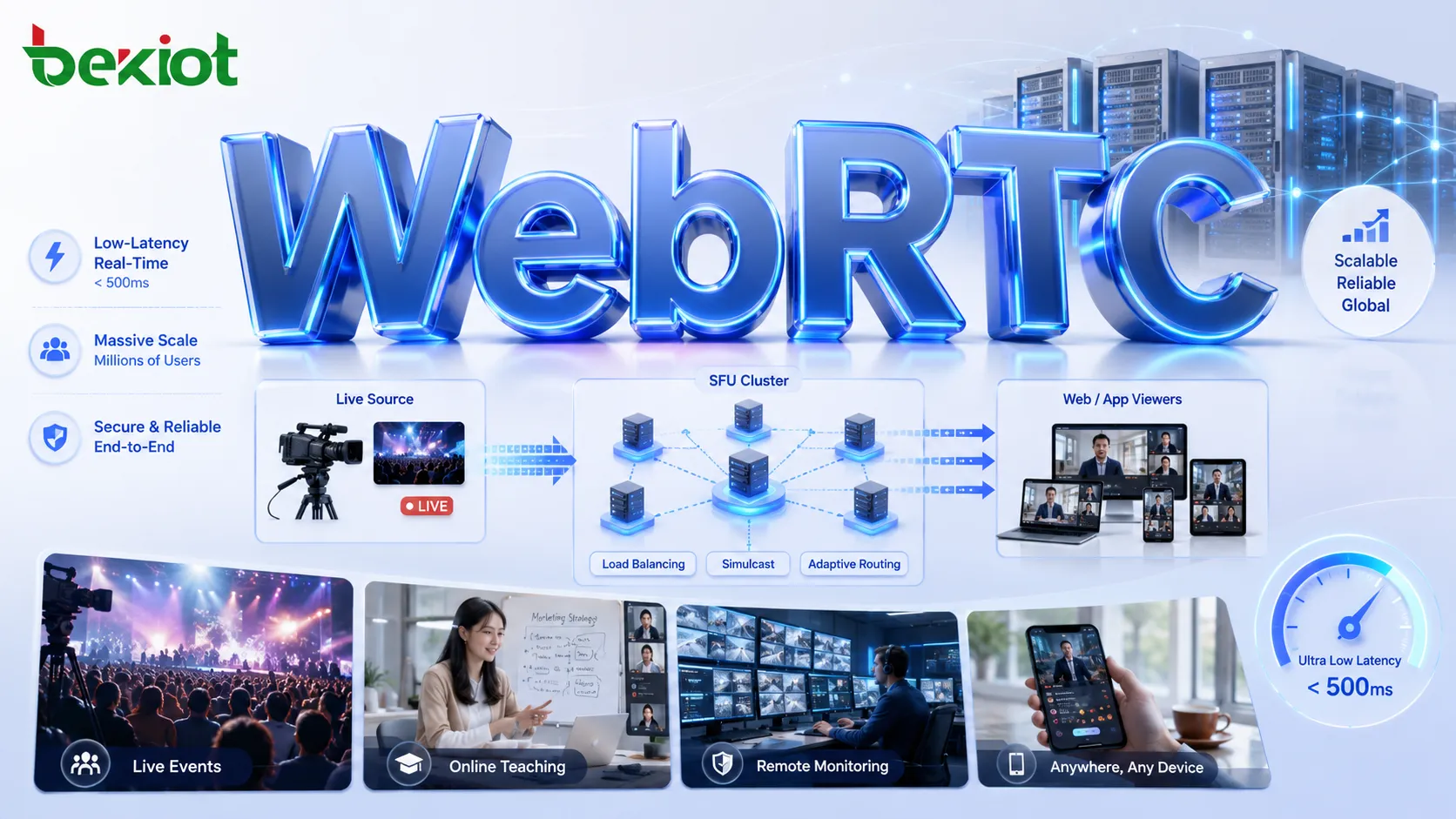
WebRTC is useful when live video needs to be viewed directly in a browser with low latency. It can support web dispatch consoles, remote command platforms, browser-based monitoring pages, and mobile-friendly video applications without relying only on traditional client software.
すべてのプロジェクトにGPUトランスコードは必要ですか?
No. GPU transcoding is mainly important when the システム needs to process many video streams, change resolution or bitrate, support different playback terminals, or reduce network bandwidth pressure. For simple access and forwarding プロジェクトs, basic stream forwarding may be enough.
映像プラットフォームソフトウェア購入前に確認すべきことは何ですか?
The buyer should confirm supported protocols, server requirements, operating システム compatibility, database dependencies, maximum channel capacity, recording support, browser playback method, API availability, upgrade policy, and whether transcoding is included or requires an additional module.
映像アクセスを緊急通信とどのように組み合わせられますか?
Video access can be linked with SIP calling, dispatch consoles, paging システムs, alarm inputs, intercom terminals, and command center platforms. When an incident occurs, operators can view video, start voice communication, issue paging instructions, and record the response process in a unified workflow.